

In today’s digital world, personalization is everything. From wallpapers to app themes, people love to make their devices unique. One of the most popular ways to do this is by creating custom ringtones. Whether it’s your favorite song, a funny sound clip, or a personal recording, a custom ringtone can add a special touch to your phone.
In this step-by-step guide, we will show you how to make ringtones easily, even if you have no technical background. By the end of this article, you’ll know how to create, edit, and set your own ringtone for Android and iPhone devices.
Why Create a Custom Ringtone?
Before jumping into the steps, let’s look at why custom ringtones are so popular:
Personal identity: A ringtone reflects your personality and mood.
Easier recognition: Helps you identify your phone in a crowd.
Creativity: Lets you use songs, sound effects, or even your own voice.
Fun factor: Every call feels unique and enjoyable.
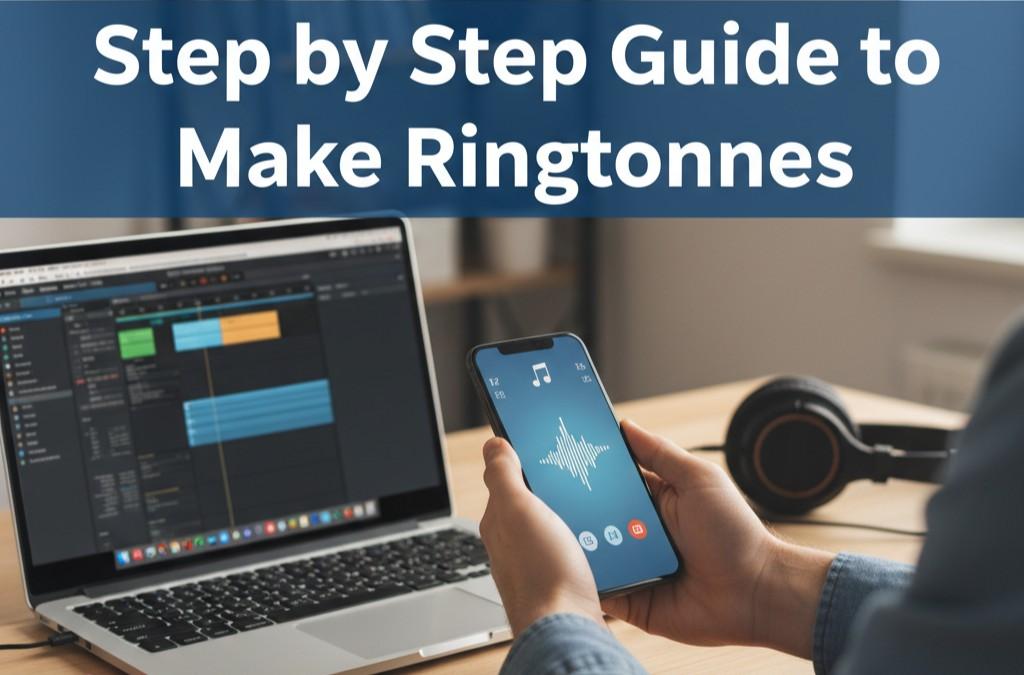
What You’ll Need
To make your own ringtone, you don’t need expensive tools or advanced editing skills. Here’s what you’ll need:
- A computer or smartphone with internet access.
- An audio file (song, voice recording, or sound effect).
- An online tool like MP3 Cutter or Vocal Remover (available on Ringtonedkhr.com).
- A few minutes of your time to edit and save the ringtone.
Step 1: Choose the Audio File
The first step is selecting the sound you want to use. This could be:
Your favorite part of a song.
A funny clip from a movie or TV show.
A personal voice recording.
Any sound effect you like.
Tip: Keep in mind that most phones use ringtones of 20–30 seconds in length. Choose a clip that sounds good in this short duration.
Step 2: Upload the Audio Online
Instead of installing heavy software, you can use an online tool like the Free MP3 Cutter on Ringtonedkhr.com.
- Go to the tool page.
- Upload your audio file.
- The tool will load your file into the editor.
This method works on both computers and smartphones, making it easy for anyone.
Step 3: Cut and Edit the Audio
Once your file is uploaded, it’s time to edit it.
Select the starting point of the clip.
Drag the slider to the ending point (about 20–30 seconds).
Play the preview to make sure it sounds perfect.
If needed, use effects like fade in or fade out for a smoother ringtone.
Tip: Choose the catchiest part of the song, like the chorus, to make your ringtone stand out.
Step 4: Save and Download the Ringtone
After editing:
- Click on Save or Export.
- Choose the format. Most devices support MP3 and M4R (for iPhones).
- Download the file to your computer or phone.
Congratulations! You now have your custom ringtone ready.
Step 5: Transfer the Ringtone to Your Phone
Depending on your device, the process is slightly different.
For Android:
- Connect your phone to the computer (or download directly on your phone).
- Move the file into the Ringtones folder.
- Go to Settings > Sound > Phone Ringtone and select your new tone.
For iPhone:
- Convert your file to .M4R format.
- Use iTunes or Finder to sync the ringtone with your iPhone.
- Go to Settings > Sounds & Haptics > Ringtone and select it.
Step 6: Set the Ringtone
Now it’s time to assign the ringtone:
As your default ringtone.
For specific contacts (so you know who’s calling without checking the screen).
As an alarm or notification tone for a fun twist.
Advanced Tips to Make Your Ringtones Unique
- Add Voice Notes – Record a short greeting or message and set it as your ringtone.
- Mix and Match – Combine two audio clips for something creative.
- Use Background Effects – Add sound effects like applause, laughter, or beats.
- Try Vocal Removal – Create instrumental-only ringtones from songs using tools like Vocal Remover on Ringtonedkhr.com.
Common Mistakes to Avoid
Too long clips – Ringtones should be short and catchy.
Poor quality audio – Always use clear, high-quality files.
Complicated steps – Stick to simple tools to save time.
Copying copyrighted songs fully – Only use short clips for personal use.
Final Thoughts
Making your own ringtone is easy, fun, and free. With just a few clicks, you can turn any song or sound into a unique ringtone that makes your phone truly yours. Whether you’re an Android or iPhone user, the steps are simple and beginner-friendly.
So why stick with boring default tones when you can create something special today? Head over to Ringtonedkhr.com, try the free tools, and start personalizing your phone in just minutes.